
Sign in
Get into your coach account with Google, Apple or email, or with your IPTPA login.
Open Pickleball Coach on your phone, or go to https://pickleball.schedulecoaches.com in any browser.
Sign in
Section titled “Sign in”On the sign-in screen, choose how you want to sign in:
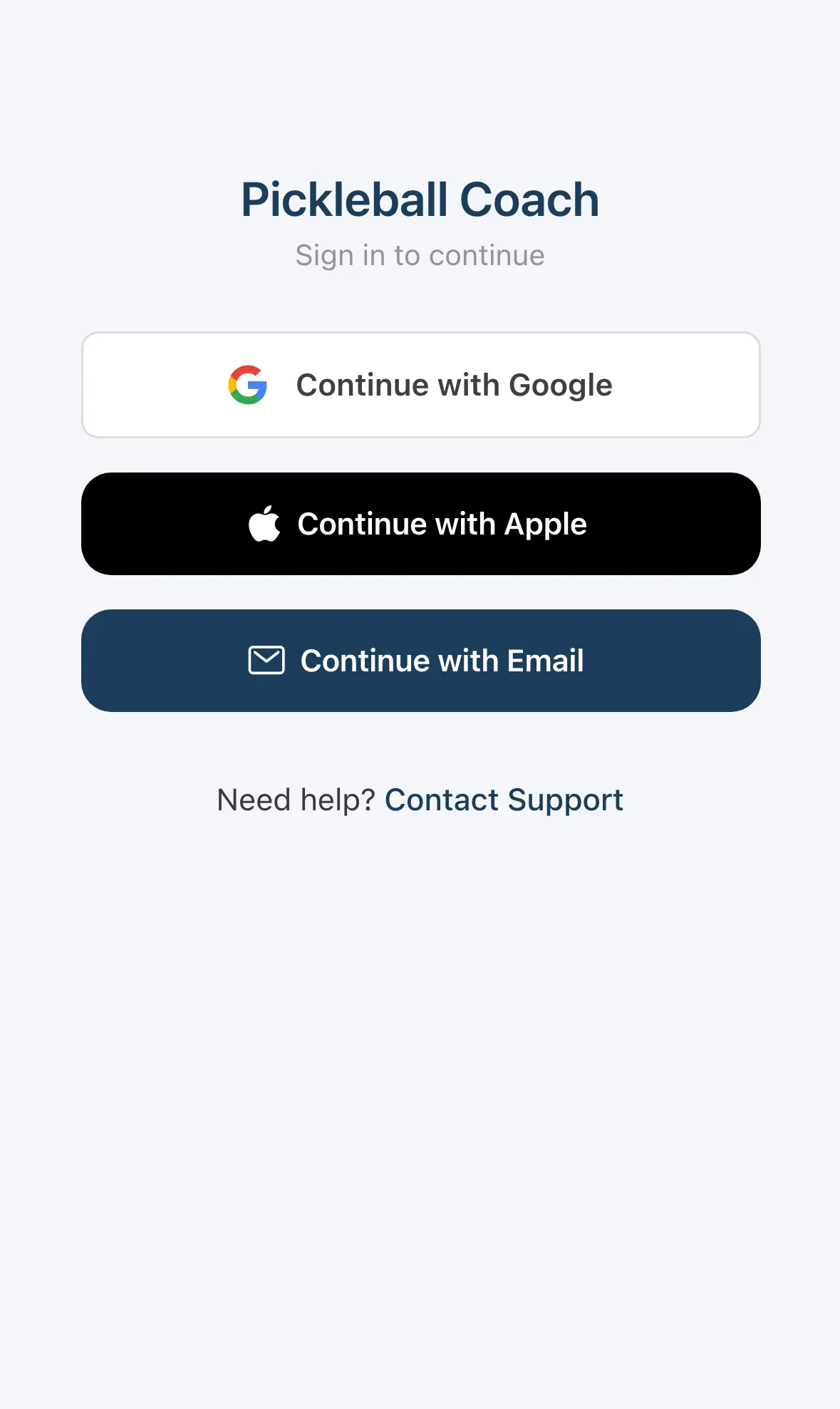
- Continue with Google: use your Google account.
- Continue with Apple: use your Apple ID.
- Continue with Email: use an email address and password.
- Continue with Google: use your Google account.
- Continue with Email: use an email address and password.
Android doesn’t show Continue with Apple.
Use the same method every time. If you signed up with Google, keep choosing Continue with Google.
Starting out
Section titled “Starting out”New to Pickleball Coach? Create your account from the sign-up page, then sign in here. The first time you sign in, the Setup Wizard walks you through your profile.
Trouble signing in?
Section titled “Trouble signing in?”Email support@schedulecoaches.com or call +1 (855) 940-2024.