
Appearance
Pick the accent color used for buttons, links and other interactive parts of the app.
Appearance lets you choose the accent color the app uses for buttons, links and other interactive elements.
Change your accent color
Section titled “Change your accent color”- Tap the menu, then Settings, then Appearance.
- Under Color Theme, tap a color. A tick shows the one in use.
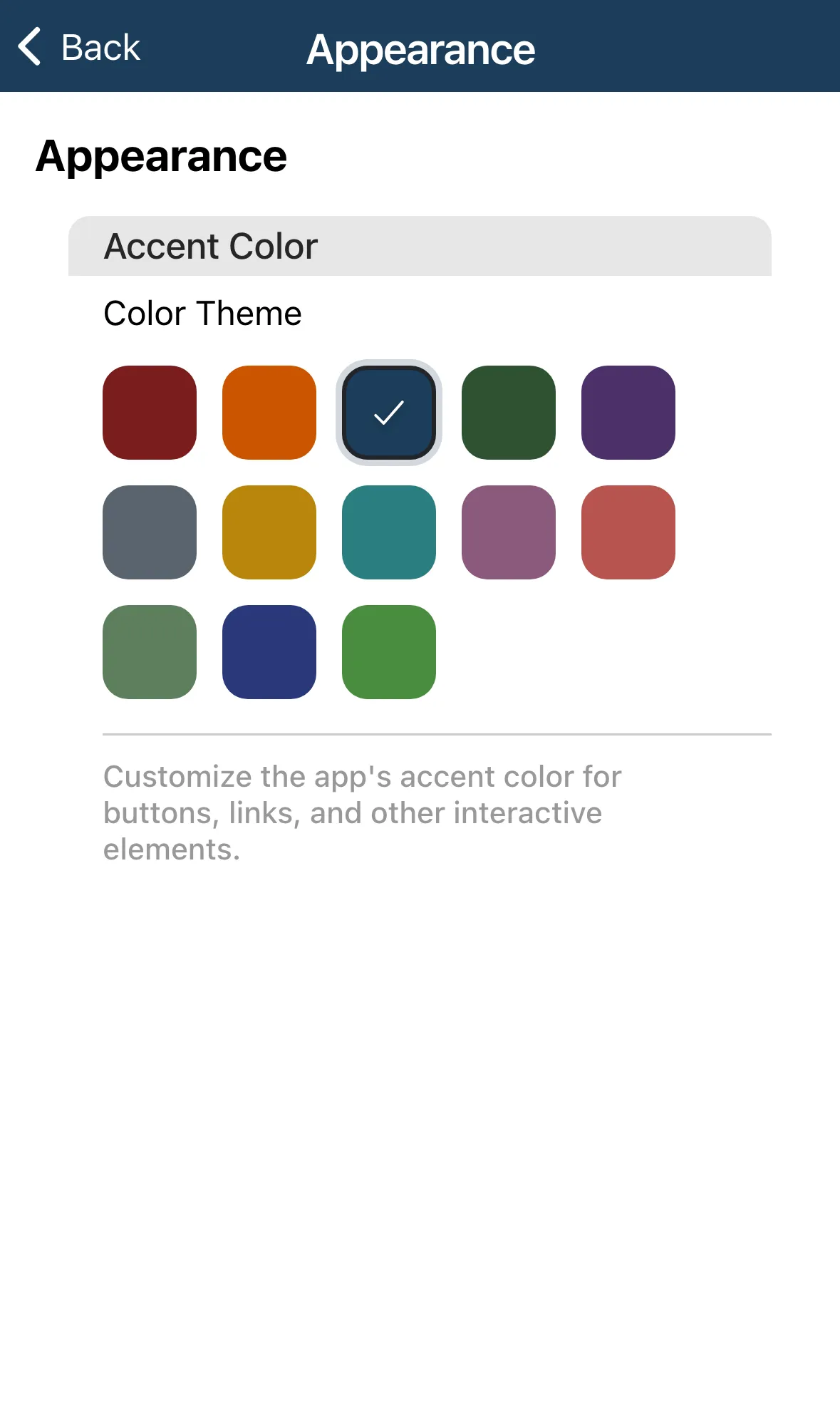
The change applies straight away and is saved to your profile. There is no Save button.