
Create a session type
Set up the kinds of sessions you offer, with a duration and price for each.
A session type is something clients can book, such as a one-hour private. Each has a name, a length and a price. Clients choose from your active session types on your booking page.
Add a session type
Section titled “Add a session type”-
Tap the menu, then Settings, then Session Types.
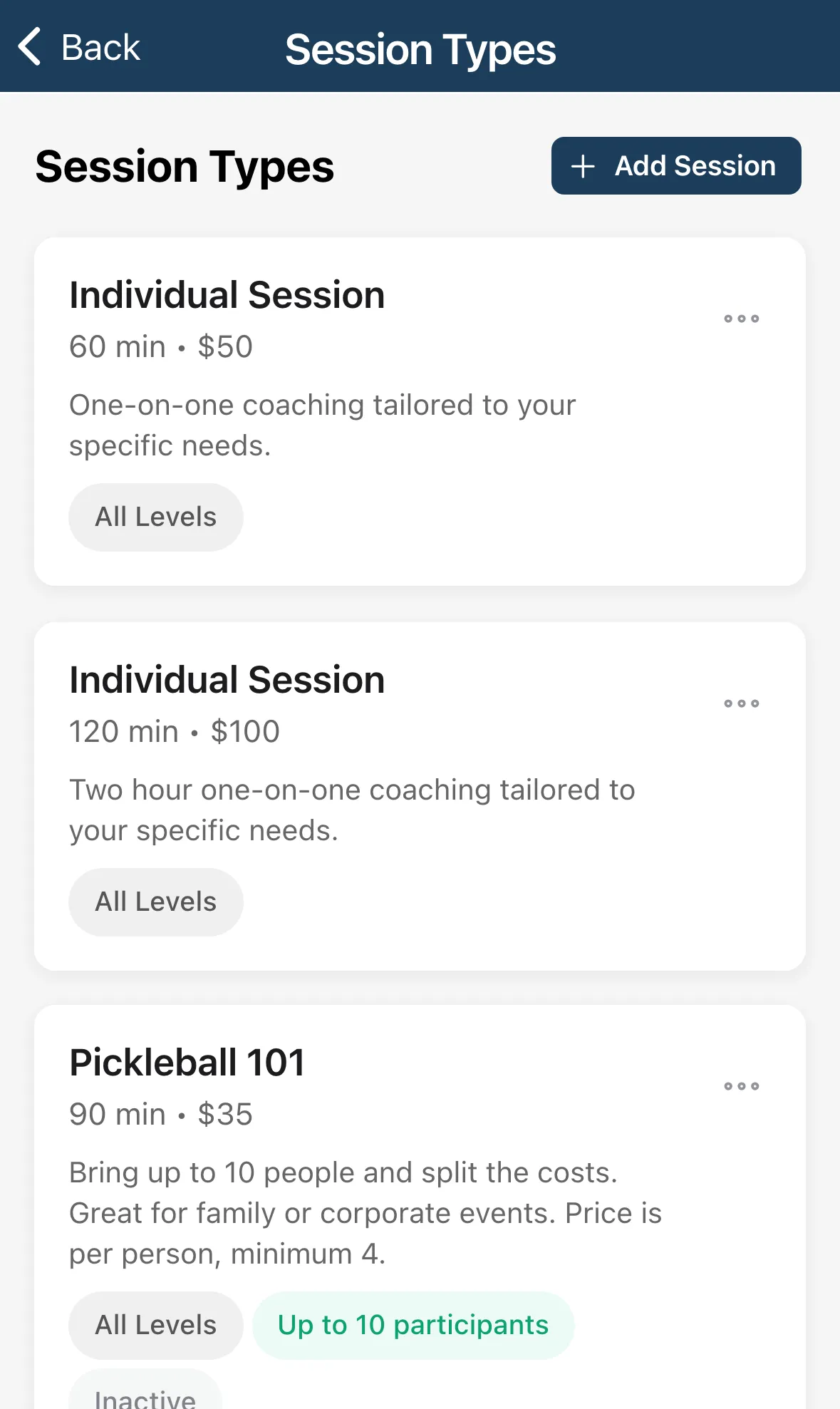
-
Tap Add Session.
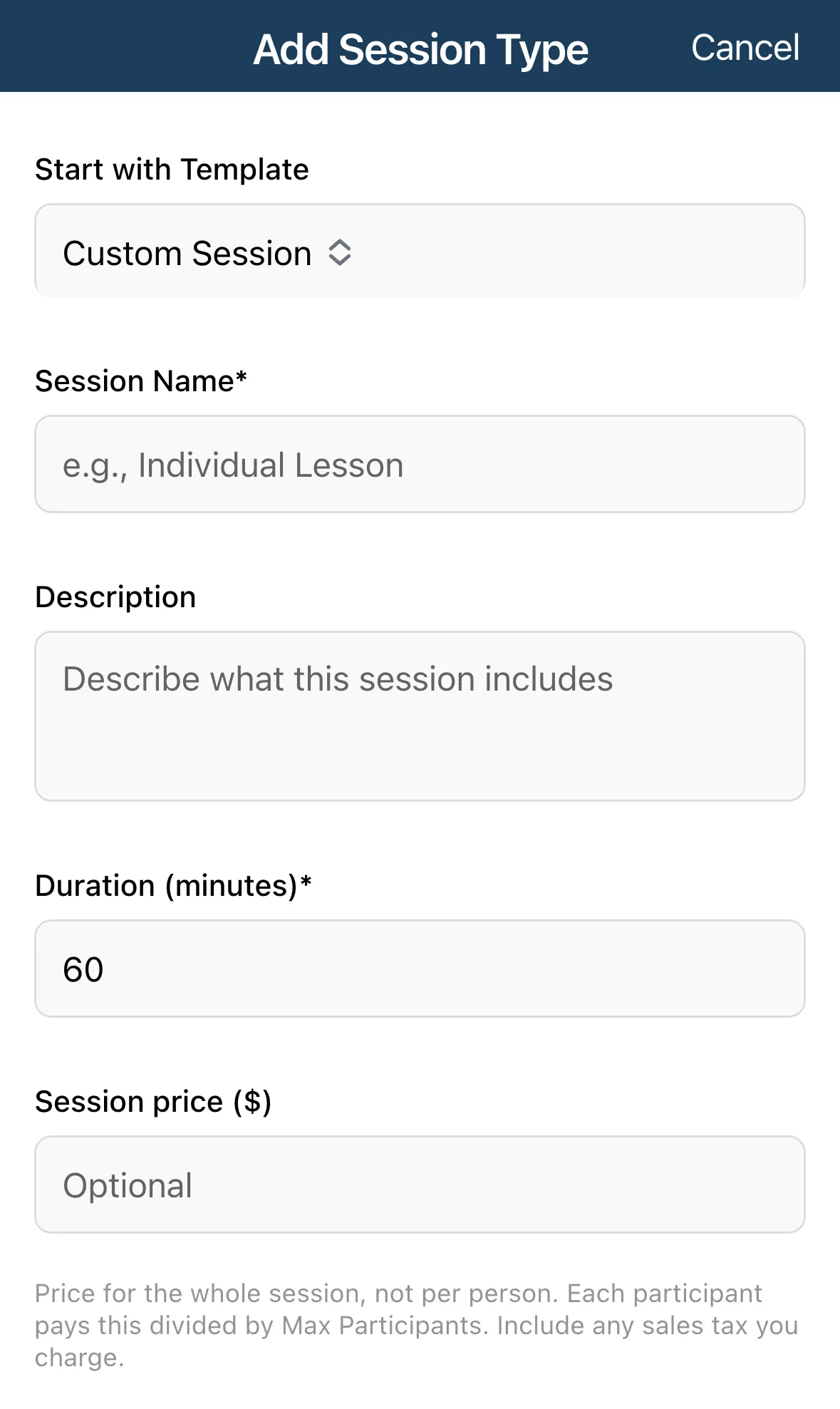
-
Optional: pick a Start with Template: Individual Session, Partner Session or Small Group Session. The default is Custom Session.
-
Fill in the fields below.
-
Tap Create Session Type.
| Field | What to enter |
|---|---|
| Session Name | Required. What clients see. |
| Description | Optional. What the session includes. |
| Duration (minutes) | Required. Whole steps of 15, such as 45, 60 or 90. |
| Session price | Optional. The price for the whole session, not per person. Include any sales tax you charge. |
| Max Participants | Required. 1 for a private session. |
| Skill Levels | Tap the levels the session suits: Beginner, Intermediate, Advanced or All Levels. |
| Active | Turn off to hide the session type from clients without deleting it. |
For a group session, each person pays the price divided by Max Participants. The form shows the per-person amount as you type.
Reorder, edit or delete
Section titled “Reorder, edit or delete”Tap a card to edit it. The … menu has Edit, Move Up, Move Down and Delete. The order you set is the order clients see when they book.