
Contact Preferences
Choose how client names are sorted and shown in your lists.
Contact Preferences control how client names appear in the app. Set them once and every list follows.
Change how names appear
Section titled “Change how names appear”-
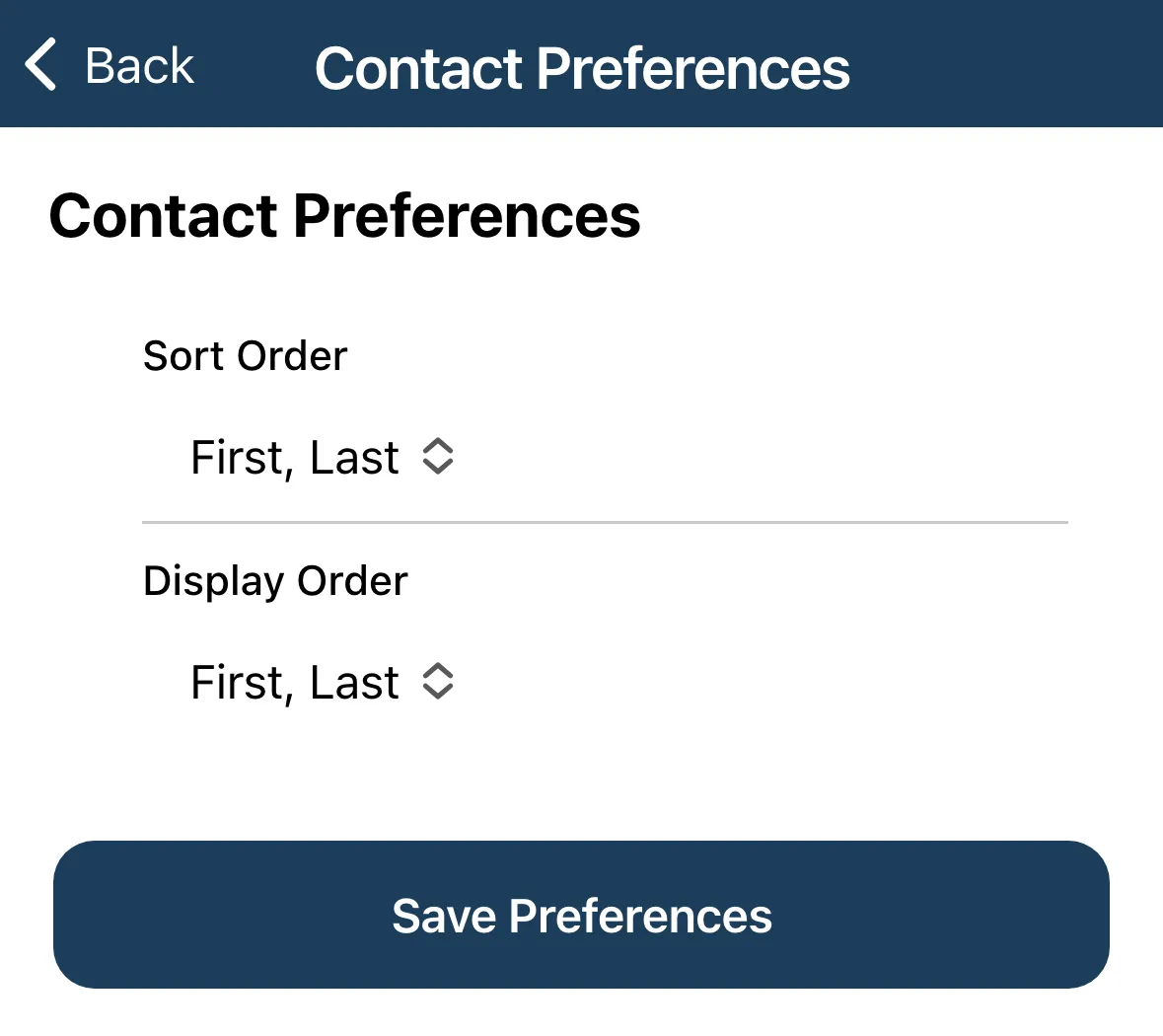
Tap the menu, then Settings, then Contact Preferences.
-
Choose a Sort Order. This is how contacts are sorted in lists.
-
Choose a Display Order. This is how contact names are displayed.
-
Tap Save Preferences.
Both settings offer the same two choices:
| Choice | Example |
|---|---|
| First, Last | Jordan Smith |
| Last, First | Smith, Jordan |
The two settings are separate. For example, you can sort by last name but still show names as First, Last.